
Some links on this page are affiliate links — marked with aff — and if you buy through them I may earn a small commission at no extra cost to you. Read the full disclosure.
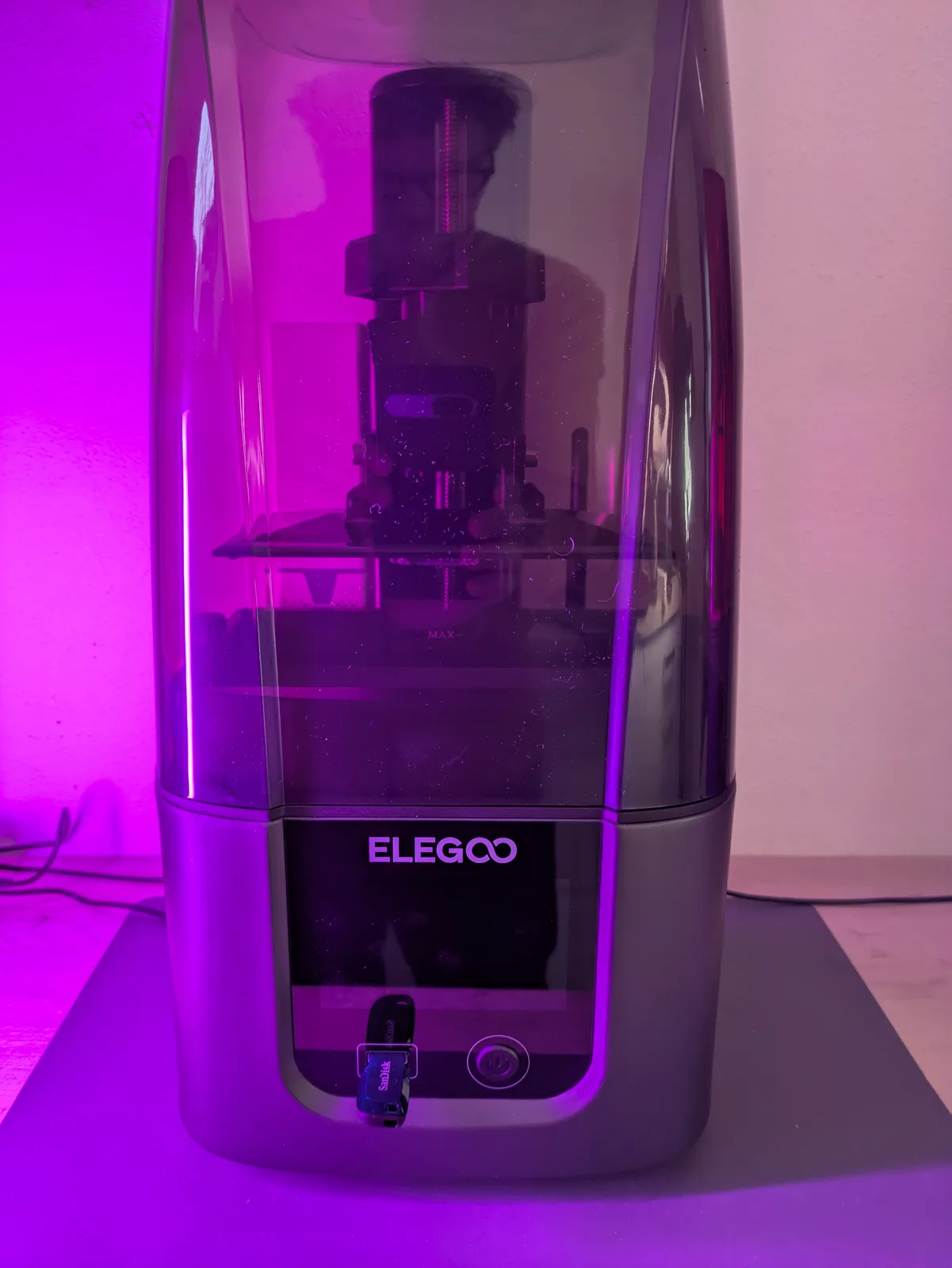
The Elegoo Saturn 3aff is the cheapest sensible Saturn-class printer in 2026. The Elegoo Saturn 4 Ultraaff sits $100 above it with a tilting VAT, ACF film, auto levelling, and a full smart-feature package. Both are recommended buys. The question is which one your printing pattern actually rewards.
This article is the close comparison for buyers who have already decided they want a mid-format resin printer in the Saturn class and need to know whether the extra $100 buys something real.
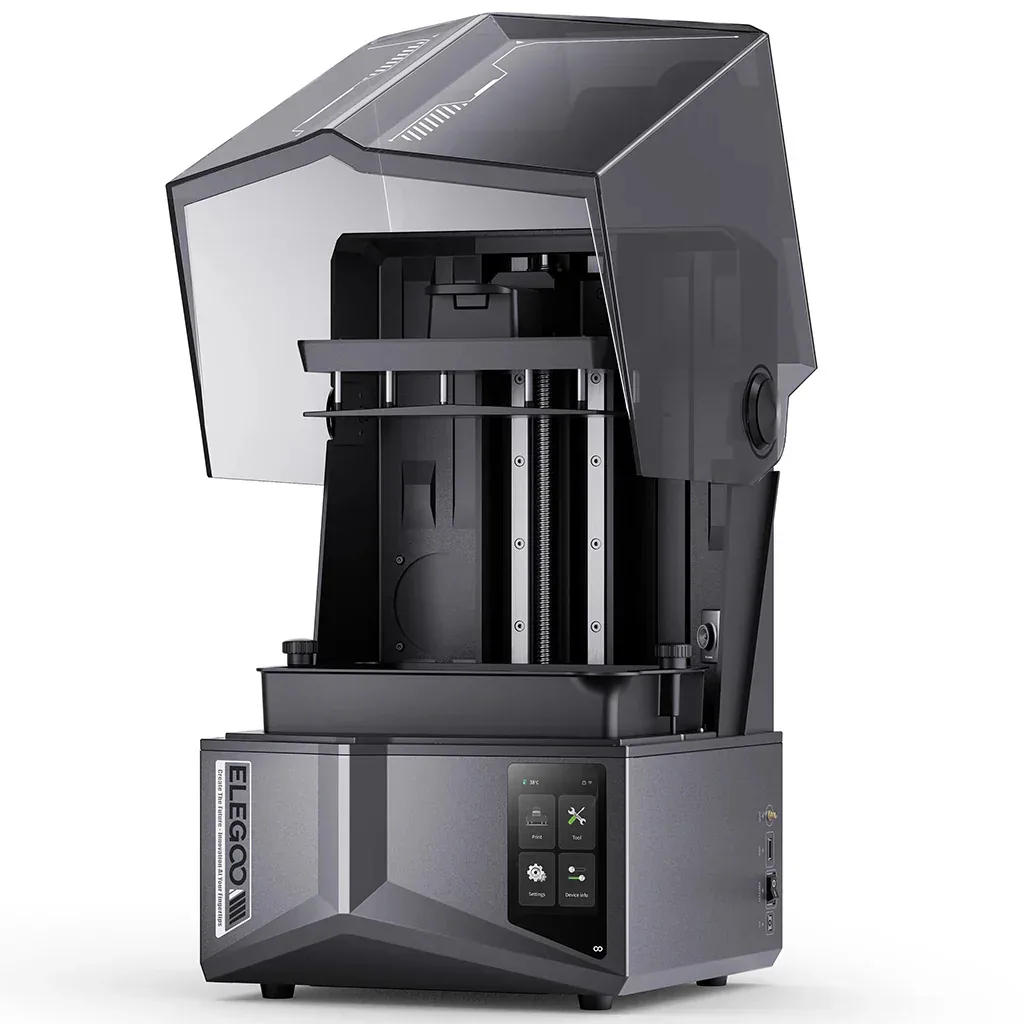
Spec snapshot
Both machines share the same core: 24 micron XY resolution, a 219 x 123 mm build plate, and tempered glass over the screen. That is the identical resolution and the identical build footprint. Print quality at the pixel level is the same.
The differences start when you move past those two specs.
Elegoo Saturn 3 at around $230:
- 24 micron pixels, 219 x 123 x 250 mm build volume
- No tilting VAT
- No auto levelling
- No wifi
- No smart features
- Fans shut down when the printer is idle
- Tempered glass screen protection
- nFEP film
Elegoo Saturn 4 Ultra at around $329:
- 24 micron pixels, 219 x 123 x 220 mm build volume
- Tilting VAT
- Anti aliasing support
- Auto levelling (inconsistent in practice)
- Wifi and power-loss resume
- ACF film
- Tempered glass screen protection
The price gap is $100. Everything that follows is about whether those $100 worth of additions are worth it for the way you print.
What the Saturn 3 actually is
I am a sucker for a printer that is cheap and does the basics properly, and the Saturn 3 is exactly that. No smart features, no speed gimmicks, just a 24 micron pixel screen on a big build plate at a very fair price.
The detail that matters most for a home environment: the fans shut down when the printer is idle. That alone puts it ahead of some newer machines that keep running at low volume while cured parts sit in the vat. If you print in a room you also work or sleep in, that is a meaningful quality of life difference.
The Saturn 3 has no auto levelling, which means you level it by hand using a sheet of paper and a set of screws. For most people this takes five minutes and then you do not touch it again for weeks. It is not a meaningful burden if you have used a resin printer before. For someone printing their very first machine, it is one more thing to learn.
The other thing the Saturn 3 does not have is anti aliasing support. Anti aliasing smooths the layer lines that are otherwise visible at an angle on flat surfaces. Without it you will see some stepping on angled geometry, particularly visible on wide smooth capes or large armour plates. For infantry bases and standard miniatures it is rarely the difference between a good print and a bad one, but for a large character model or a centrepiece bust, it is more noticeable.
What the Saturn 4 Ultra adds
The headline addition is the tilting VAT. This is the feature that separates the Saturn 4 Ultra from everything else in this comparison, including the plain Saturn 4 (more on that below).
A standard resin printer peels a layer by lifting the build plate straight up, which requires breaking the suction seal between the cured layer and the FEP film underneath. That peel force is what tears off fine details: the tips of spears, fingers, small flowing capes. A tilting VAT peels the same layer by rocking the vat sideways first, which releases the seal gradually from one edge rather than all at once. The result is lower peel force and shorter lift cycles.
For miniature printing, lower peel force means fewer support failures on fragile parts. For batch printing, shorter lift cycles mean a meaningful share of an overnight print saved per session. That is not a fabricated metric. It is the structural reason the tilting VAT is worth the premium.
The Saturn 4 Ultra also adds anti aliasing support, which the plain Saturn 4 (without Ultra) does not have. If character work with wide flat surfaces is your main use case, anti aliasing matters and the Saturn 4 Ultra is the only machine in this comparison that delivers it.
Auto levelling is present but honest about its limitations. It is still inconsistent. I would treat it as a reassurance feature rather than a replacement for understanding what levelling actually does. The Saturn 4 Ultra has it, and that is useful for new owners, but experienced users will double-check it anyway.
Power-loss resume is a welcome addition and genuinely useful for overnight prints. If power cuts out halfway through a six-hour job, the Saturn 4 Ultra can pick up from where it stopped rather than starting over.
Two design decisions on the Saturn 4 Ultra are worth knowing before you buy. The USB port is on the back of the machine. For most people that means moving the printer slightly each time you want to swap a USB drive, which is a small but consistent annoyance. The build plate also has a gap on top that pools resin during post-processing cleanup, which makes the cleanup step marginally messier than it needs to be.
What the Saturn 3 gives up
Speed is the main trade-off. No tilting VAT means longer lift cycles and longer print times overall. For a hobbyist who prints a plate of infantry every week or two, this rarely matters because the print runs overnight regardless. For someone printing regularly or running long queues, the time savings from the tilt add up.
No anti aliasing support is the other real limitation. For standard 28mm infantry it is minor. For a large character model where smooth armour or wide open surfaces are prominent, stepping is visible enough to require sanding that you would not need on an anti aliasing-capable machine.
No wifi and no smart features are genuinely not a problem for most resin printing workflows. You stand next to the machine anyway. A USB drive does the job. No harm done.
Speed comparison
The tilting VAT shortens each lift cycle by reducing the force required to peel each layer. Across hundreds of layers in a typical print, that compounds into a meaningful share of an overnight session. The exact savings depend on the model, the layer count, and the lift settings you dial in, so I will not name a specific time here. What I can say is that the tilt is the reason experienced miniature printers moved to this generation of machines. It is a genuine speed improvement, not a marketing claim.
If you print occasionally and run overnight jobs, you may never feel that the Saturn 3 is too slow. If you print daily or print in queues where turnaround time shapes what you can get done in a weekend, the Saturn 4 Ultra’s tilt will change your workflow.
The middle option to ignore
The plain Elegoo Saturn 4 (without the Ultra) sits between these two machines in price at around $279, and it is not worth picking.
It has no tilting VAT. It has no anti aliasing support. What you are paying extra for over the Saturn 3 is smart features, and smart features do not make a resin printer print better. The Saturn 4 is stuck in an awkward middle position where it costs more than the Saturn 3 for less print capability.
Either save your money and get the Saturn 3, or spend the extra and get the Saturn 4 Ultra. The plain Saturn 4 does not have a strong case at any realistic budget.
The next step up
If you find yourself looking at the Saturn 4 Ultra and wondering whether to go further, the Elegoo Saturn 4 Ultra 16Kaff sits above it at around $420. That machine steps up to 19 micron pixels and adds a heated VAT, which removes a significant list of cold-environment print problems. For buyers who want the sharpest current-generation option in the Saturn class and have the budget for it, the 16K is worth a look before committing to the Saturn 4 Ultra.
Who each machine is for
The Saturn 3 buyer is on a tight budget, prints occasionally rather than regularly, does not need the speed the tilt VAT provides, and is comfortable levelling the machine by hand. If your printing cadence is one or two sessions a week and print quality on infantry is your benchmark, the Saturn 3 is still the better value buy in the Saturn line in 2026.
The Saturn 4 Ultra buyer prints regularly, values the speed gain from the tilting VAT, is doing character work where anti aliasing matters, and is willing to spend $100 more for a machine that is set up for daily printing. Auto levelling, power-loss resume, and wifi are secondary benefits. The tilt and the anti aliasing are the reasons to choose it.
Neither answer is wrong. These are genuinely different machines for genuinely different printing patterns, not a case where one is clearly better.
The verdict
Both machines are recommended. The Saturn 3 is the better value buy. The Saturn 4 Ultra is the better daily machine.
Pick on your printing pattern, not on the spec sheet. If you print sporadically and your budget is $230, the Saturn 3 will not let you down. If you print regularly and anti aliasing or speed is meaningful to your work, the Saturn 4 Ultra is worth the $100 premium.
For a full view of where each machine sits in the Saturn class and how they compare against the wider market, the best 3D printer for miniatures guide covers both picks in context. If you are still deciding whether a mid-format machine is the right choice at all, how to choose the right resin 3D printer covers that earlier decision. And if you are wondering whether 2026 is a good time to buy at all, why 2026 is still the best year to buy a resin 3D printer makes the case directly. Once you have your machine, support settings for resin miniatures is the first place to go when setting up your first print.
Both the Saturn 3 and the Saturn 4 Ultra are on the buying guide as recommended picks. This article exists for the buyers who have already narrowed it to these two and need the close comparison. If you decide to go with the Saturn 4 Ultra, the first thing to do is confirm the auto levelling before running a long job. If you decide on the Saturn 3, level it carefully by hand once and then leave it alone. Both machines reward a careful setup and then mostly stay out of the way.

