Some links on this page are affiliate links — marked with aff — and if you buy through them I may earn a small commission at no extra cost to you. Read the full disclosure.
Slicer choice is one of the most argued topics in the resin printing hobby. People have strong opinions, forum threads run to hundreds of replies, and somehow the question “which one do I install” still does not have a short answer.
Here is one: install Lychee Free. Use it. If you hit something it cannot handle, install Chitubox alongside it. Ignore the manufacturer slicer unless you have a very specific reason not to.
That is the whole thing. The sections below explain why.
What a slicer actually does
A slicer takes an STL or OBJ model file, adds supports to hold the model during printing, divides the model into thin layers, and writes the file your printer reads. Without a slicer there is nothing to print.
If the cornerstone article on resin printing for miniatures already covers this in the depth you need, you can stop here. For everyone else: the slicer is the software step between “I have a 3D model” and “my printer knows what to do with it.” It matters more than the average forum discussion suggests, because the support settings, the layer height, and the resin profile all live inside the slicer profile you build.
The three options
In 2026, the realistic options for resin miniature hobbyists are:
- Lychee Slicer (free and paid tiers)
- Chitubox (free and paid tiers)
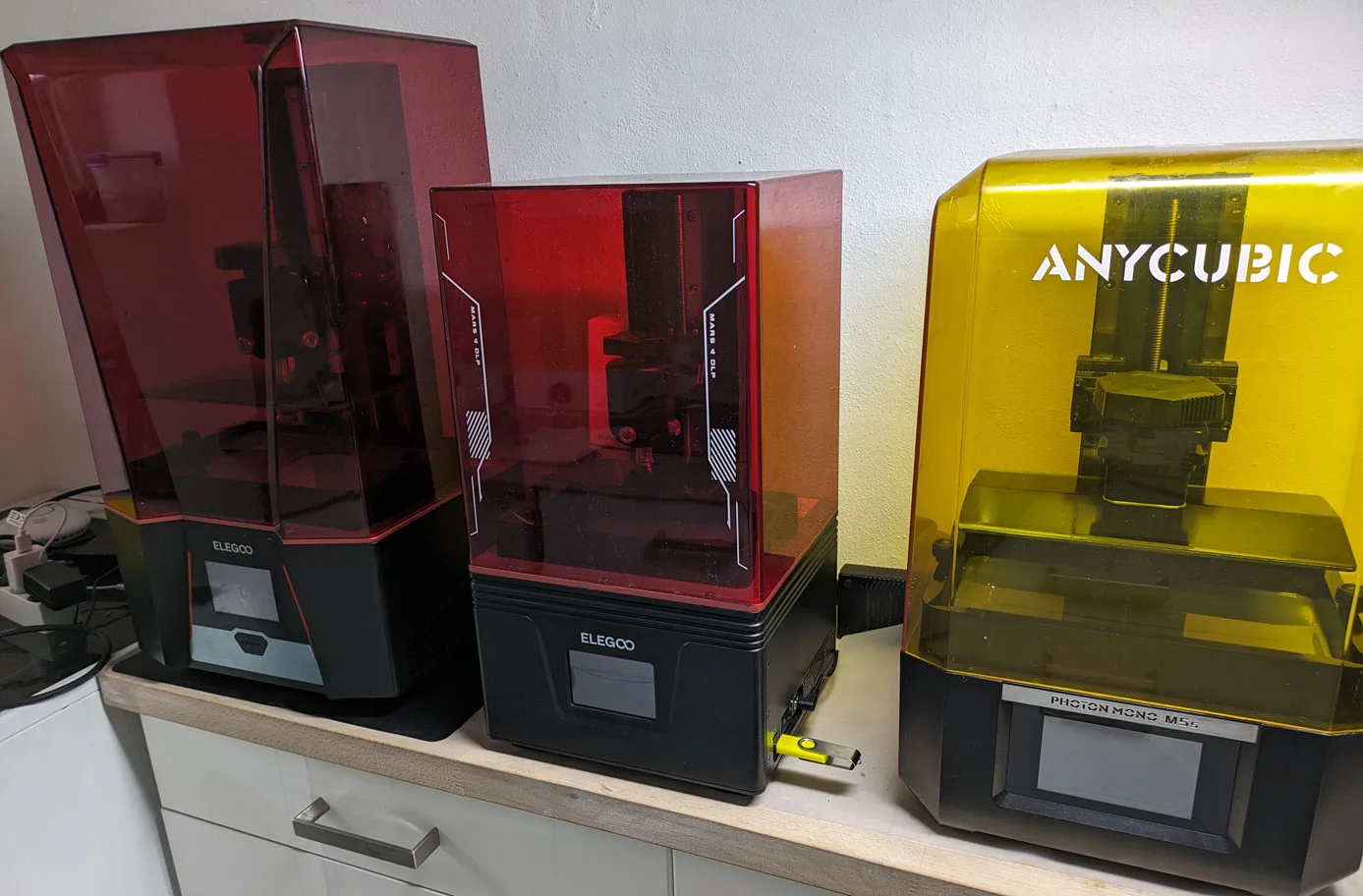
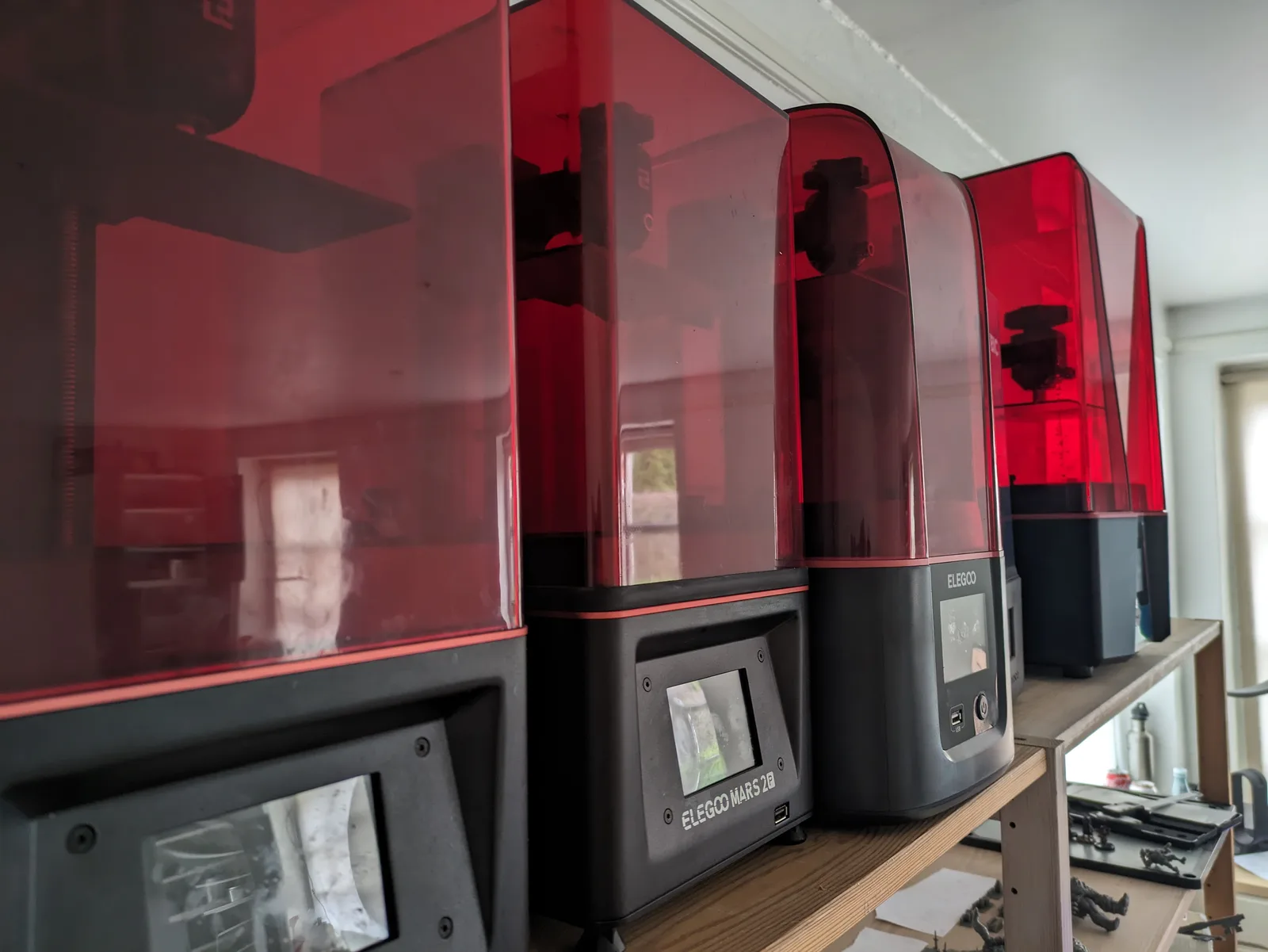
- The manufacturer slicer bundled with your printer (Photon Workshop for Anycubic, Chitubox CE for Elegoo, Voxeldance Tango for some others)
Prusa Slicer supports resin in theory but is not designed for it and the workflow does not fit the miniature printing use case. Skip it for this purpose.
Install Lychee Free first.
Lychee Free in depth
Lychee is the recommended starting point because it was designed with miniature-scale work in mind. The defaults are better than Chitubox for small, detail-heavy models. The support settings are more forgiving for a beginner. The resin profile library is broad and actively maintained, which means there is a reasonable chance that whatever bottle of resin you bought already has a tested profile someone else dialled in.
The interface is clean. Supports generate with sensible geometry for 28 mm and 32 mm scale work. The export workflow is fast enough that it does not become a friction point.
The friction points that matter:
The export limit on the free tier. Lychee Free restricts how many slices you can export per hour. For casual hobbyists printing a few plates per week, this limit is rarely hit. If you are running a high-volume batch or multiple sessions in a single sitting you will hit the cap and have to wait.
Community resin profiles. Lychee has a built-in profile library, but community-sourced profiles from forums and Discord servers are typically in a format that requires manual entry rather than one-click import on the free tier. This is a minor inconvenience on your first setup and not something you will think about again once your profiles are saved.
Both of these are real limitations. Neither of them is a reason to switch to Chitubox for beginner-level work.
Chitubox in depth
Chitubox is the dominant slicer in terms of raw user numbers. It ships on the USB stick bundled with most Elegoo printers as a rebranded version called Chitubox CE, which is how a large proportion of new resin printer owners encounter it first.
The case for Chitubox:
Supports on edge cases. For large and complex models, especially those with unusual geometry or difficult overhangs, Chitubox auto supports can outperform Lychee. This is noticeable mainly on plates with larger figures, dragons, or models with a lot of floating horizontal geometry. For rank and file infantry and typical 28 mm heroes, the difference is small.
Slicing speed on large plates. Chitubox is faster at processing a full plate than Lychee in most benchmark comparisons. For high-volume printing this matters. For a hobbyist slicing a plate every few days, it does not.
The Chitu cloud profile library. Chitubox has its own profile library that overlaps substantially with Lychee’s, and some resins appear in one library but not the other. Worth checking both if a specific resin proves hard to dial in.
The friction points:
The interface is dense. Chitubox’s layout carries more complexity on screen at once. For a first-time user this makes the learning curve steeper. You will find the settings you need eventually, but the first hour is less guided than Lychee.
The free version has been stagnant. As of 2026, Chitubox Free has not kept pace with Lychee Free in terms of features and default quality. Chitubox Pro adds meaningful improvements, but asking a beginner to pay for a slicer upgrade before their first successful print is the wrong order of operations.
Default supports are tuned for general use. Chitubox’s auto support defaults are built for a broad range of objects, not specifically for miniatures. Tip diameter and contact depth are both too large for 28 mm work out of the box and need adjustment before the results are acceptable for character models.
Manufacturer slicers
Every printer ships with something. The range:
Photon Workshop (Anycubic) is competent. It handles the basics correctly, it knows the Anycubic printer range well because it was built for it, and for someone who only wants to get a print out of the box it does the job. It is not a reason to choose an Anycubic printer, and it is not a reason to avoid one.
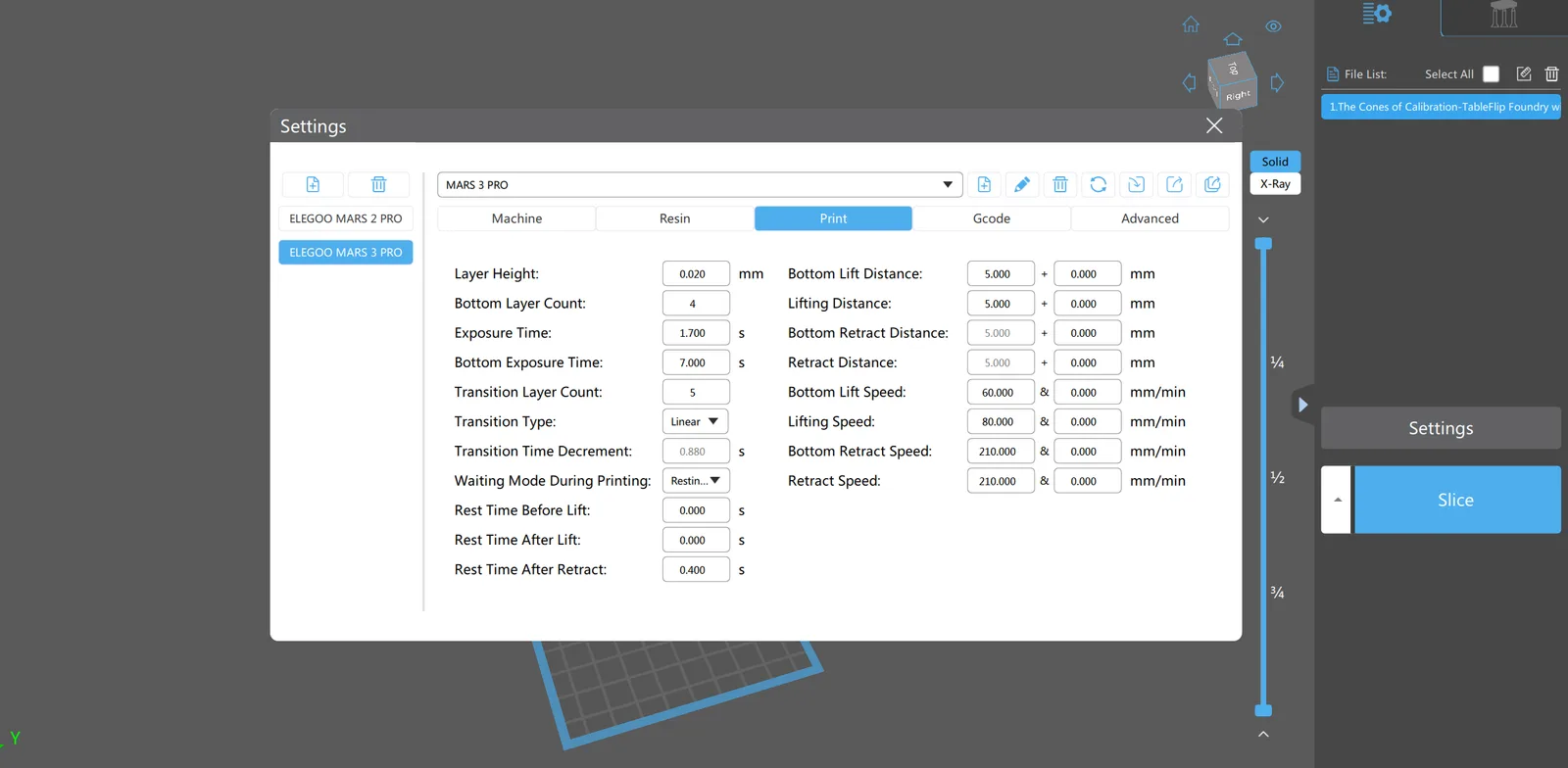
Chitubox CE (Elegoo bundled version) is Chitubox rebranded. The interface and feature set are the same as Chitubox Free. It is fine. It is also not going to grow into a long-term workflow the way a standalone slicer will.
Voxeldance Tango appears on some printers and is acceptable for basic work. It does not have the community support base or profile library that Lychee and Chitubox have.
The general rule: use the manufacturer slicer to get the printer working out of the box if needed, then switch to Lychee Free for anything you actually care about. No printer’s bundled slicer is a reason to choose that printer over another.
The paid tier decision
Both Lychee and Chitubox have paid Pro tiers. The question of whether to upgrade comes up early, usually because a new user hits the Lychee export limit or reads a forum thread arguing that Chitubox Pro is essential.
The assessment: most miniature hobbyists printing for their own projects at a normal pace never need Pro on either slicer.
The two scenarios where upgrading is genuinely worth thinking about:
Very high print volume. If you are running commercial production, batch-printing infantry units for large armies on a tight timeline, or operating multiple printers at once, the Lychee export limit becomes real friction and the Pro tier removes it. Chitubox Pro’s faster pipeline and additional support tools make sense at this scale.
Specific support tooling needs. Lychee Pro includes support editing tools that are significantly better than the free tier for manually adjusting auto-generated supports on complex hero models. If you are consistently fighting auto supports on difficult geometry and manual editing is part of your workflow, Pro may be worth it. But most hobbyists solve this problem a different way: they use pre-supported files from creators rather than fighting auto supports at all.
Upgrade if the free tier is genuinely blocking something you need. Do not upgrade because a forum post said to.
Workflow recommendation
Install Lychee Free. Use it for everything to start with.
After a few months you will know whether you are hitting the export limit, whether auto supports are failing you on specific models, or whether there is an edge case that Lychee handles poorly for your particular printing setup. At that point install Chitubox and use whichever slicer does the better job for each specific task.
There is no rule that says you must commit to one slicer. Both are free to install and free to run in parallel. Experienced resin printers often use both: Lychee as the primary workflow slicer and Chitubox for large complex plates or unusual geometry where its support algorithm performs better. Profiles live in the slicer that generated them, so there is a small overhead in keeping both current, but it is not significant.
The one thing not worth doing: spending three weeks trying every option before printing anything. Install Lychee Free, calibrate your printer, and start printing. Slicer optimisation is a later problem.
Pre-supported files versus learning manual supports
Every new resin printer user eventually wants to learn manual support placement in the slicer. It is a real skill and it matters. But learning it during the first few prints is the wrong time.
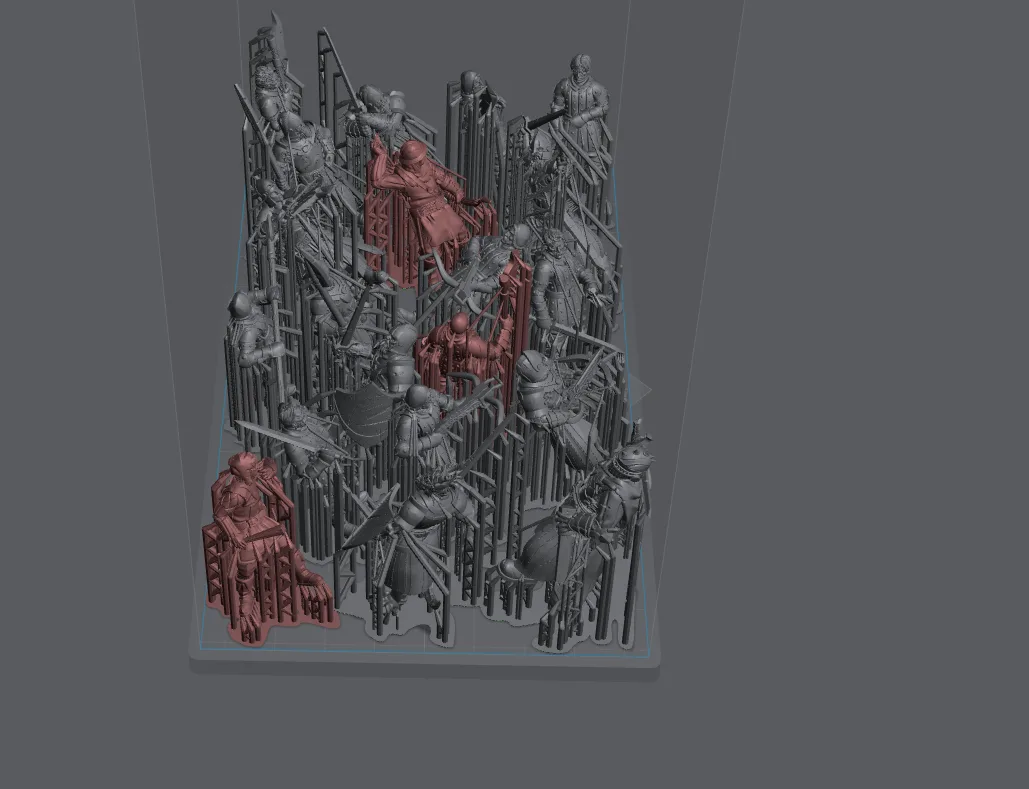
Pre-supported files exist so you do not have to think about supports while you are still learning to calibrate the printer, manage resin, and run the post-processing workflow without making a mess. Three new things at once means learning none of them properly.
Print pre-supported files for the first month or two. Get comfortable with the machine. Then, once a print is a predictable outcome rather than a surprise, start experimenting with supports in your slicer.
Where to get pre-supported files for miniatures
The slicer is only useful if you have a model worth slicing, and the platform you source files from shapes the experience as much as the slicer does.
Free files on Thingiverse and Printables can be useful for large terrain pieces, bases, accessories, and anything where detail is not the priority. The catch is that most miniature content on those platforms was uploaded with FDM printing in mind, which means models are not pre-supported and were not designed for the detail level a resin printer can produce. For a beginner, that is the wrong starting point.
MyMiniFactory is the industry standard for premium miniature files. The platform is designed around resin printing, the files are pre-supported, and the quality bar is much higher than free platforms. Three ways to get files:
- Individual purchase. Pay once for a specific set. Good if you want a single model or a set you know you will use.
- Tribes. A monthly subscription to a specific designer, usually around $10 a month, with a new release each month plus a welcome pack of past content on signup. The cheapest way to build a library from a designer whose work you already like.
- Frontiers. MyMiniFactory’s crowdfunding model. Backers pledge to fund a large file set and receive the digital files as soon as each stage is complete, not after a manufacturing cycle. Patreon is also worth knowing about. Some designers run their subscriptions there rather than through Tribes. The content is comparable; the platform is just different.
The FOMO trap
Monthly subscriptions are easy to accumulate. A new Tribe opens, the preview renders look incredible, and it feels like a mistake not to subscribe. Then the files arrive, you realise the aesthetic does not match anything you are actually painting, and you have thirty sets of files you will never print.
The fix is simple: wait until a Tribe’s release matches something you are actively working on. Subscribe for that month, download the files, then cancel before the next billing cycle if the theme is moving away. Most Tribe subscriptions have no lock-in.
Frontiers campaigns deserve the same scrutiny. A massive set of files for a setting you have no attachment to is not a good deal at any price. Back campaigns for things you would actually paint.
What to look for in pre-supported files
Quality varies even within premium platforms. Before buying, check:
- Consistent sculpt style. A warband or monster set should look like the models belong together. Inconsistent scale or style within a set is a sign the files were rushed.
- Removable supports. Good pre-supported files use supports that break away cleanly without leaving visible marks. Look at creator previews and community photos. Obvious support scars on prominent surfaces mean the support work is not up to standard.
- Game-ready scale and basing. Most creators specify the scale they design for. Check it matches your game system before buying.
- Genre coverage. Fantasy dominates the market. Sci-fi exists but leans toward Warhammer 40,000 adjacent aesthetics. Historical miniatures are underserved. If your project is outside the fantasy mainstream, search carefully before committing to a Tribe.
A note on resin profiles
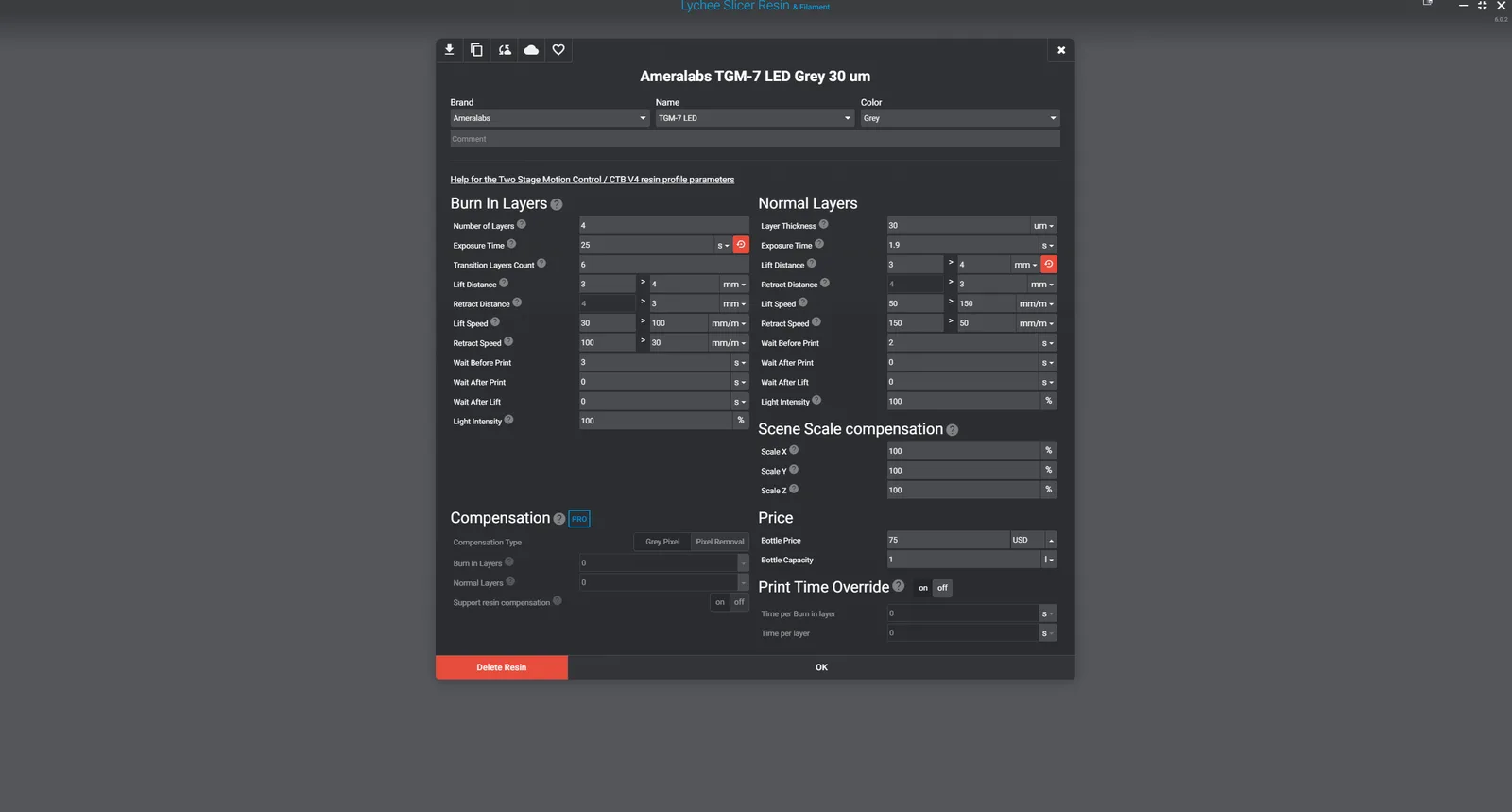
The slicer’s profile library is the most under-discussed feature in the beginner conversation. A good profile for your specific resin means you start with exposure times and layer settings that are close to correct, rather than starting from zero and potentially spending the first few prints on calibration failures.
Lychee has the broader tested profile library for miniature-focused resins, including most of the popular brands in the hobby space. This is the unsung reason it is the recommended starting slicer: if your resin has a community-tested profile in Lychee, your first plate is much more likely to succeed.
For dialling in a fresh bottle of resin from scratch, start with someone else’s tested profile and tweak from there using a calibration tool like the Cones of Calibration. The calibration tools article covers that workflow when you are ready for it.
Where to go next
Resin Printer Calibration Tools covers dialling in a resin profile once the slicer is installed. Support Settings for Resin Miniatures is where to go once you are ready to add your own supports rather than relying on pre-supported files. For the full context on why settings matter and what the printing process looks like end to end, the resin printing for miniatures cornerstone is the place to start.