
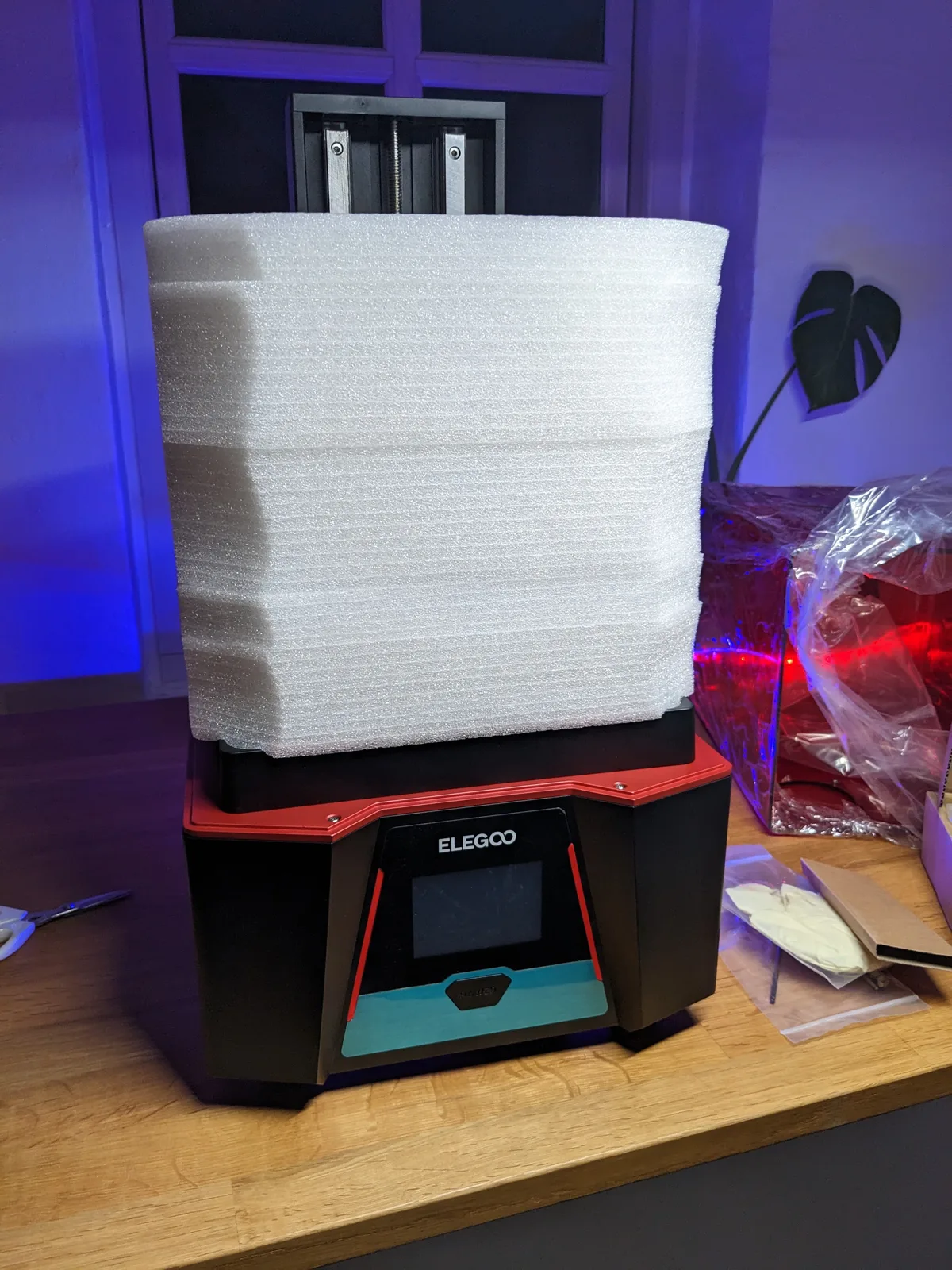
Every resin printer has a between-projects state, and most owners get it wrong. Resin sitting in the VAT for a month seeps under the FEP and damages it. A printer left assembled with stale resin is the most common reason owners come back after a winter break and find a machine that will not produce a clean print. Getting storage right is not complicated, but it does require doing the right things in the right order before you put the lid on and walk away.
Why storage matters
There are three failure modes that bite returning owners.
The first is resin left in the VAT. Over weeks, resin seeps under the FEP film, lifting it away from the frame at the edges and sometimes causing cloudiness or delamination across the film surface. A thin layer of partially cured resin can also bond directly to the FEP. By the time you return to the printer, the VAT needs a full clean at minimum and often a FEP replacement before you can print again.
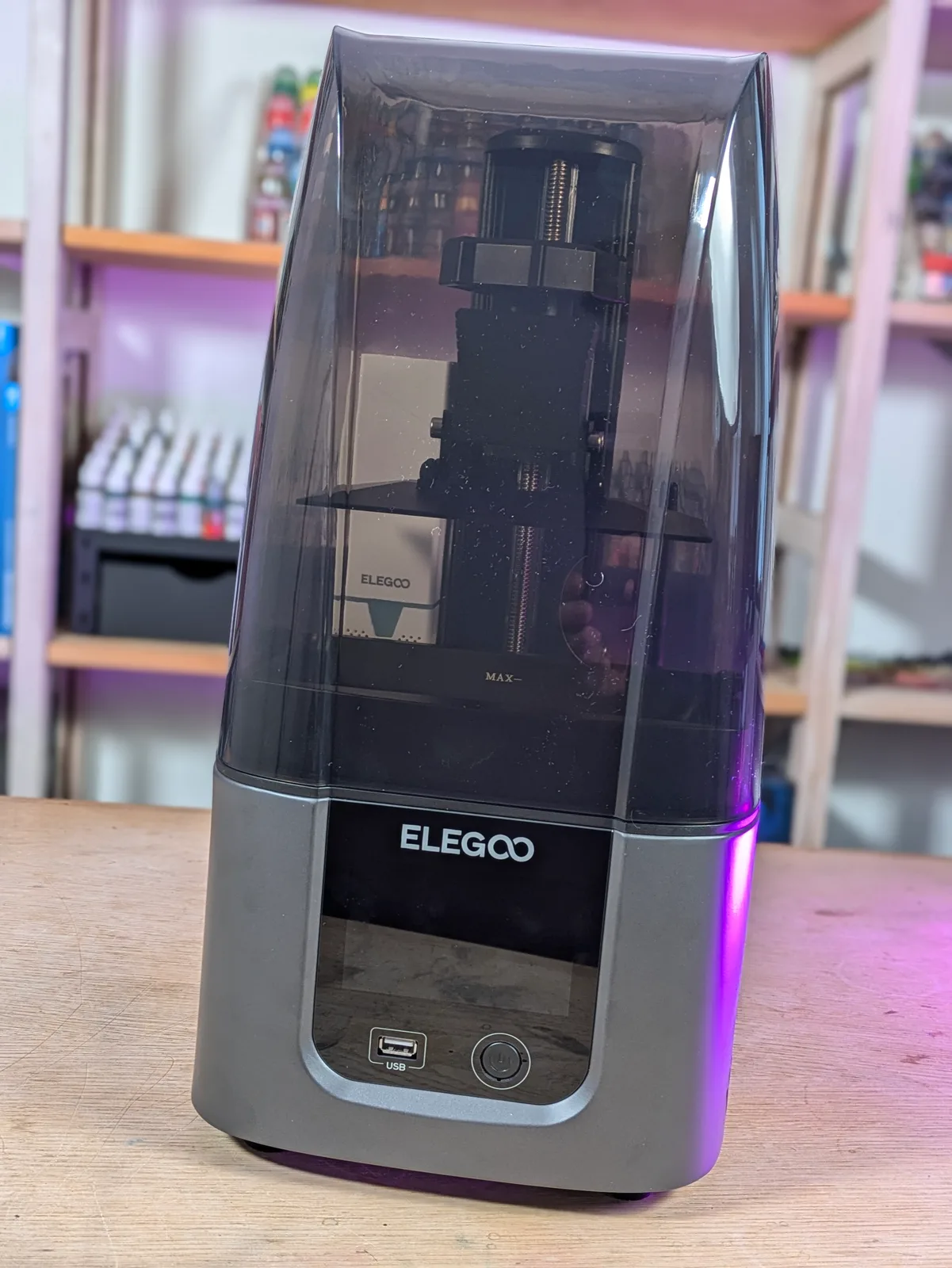
The second is ambient light on the screen. A printer left uncovered in a room with windows will receive enough diffuse UV light over several weeks to fog or partially cure any resin left in the VAT, and, in the worst case, to degrade the LCD. Indirect sunlight through a window is enough to cause this.
The third is resin going off inside the printer. Resin has a shelf life, and that shelf life drops considerably once the bottle is opened and the resin has been exposed to air. Leaving old resin in the VAT and then trying to print with it months later often produces mysterious failures that look like a calibration problem but are actually a chemistry problem.
None of these failures are dramatic while they happen. They accumulate quietly, which is why returning owners are often confused. The printer was fine when they stopped; what could have gone wrong?
Short break: one week or less
For a break of a week or less, no special handling is needed. Leave the resin in the VAT. Put the lid on the printer. Make sure the printer is not in direct sunlight and that the room temperature will remain roughly stable during the break. Return and print as normal.
The resin does not need filtering back into the bottle for a break of this length, and the FEP will not suffer from a week of contact with fresh resin. The only real risk is direct light, and the printer’s own lid handles that provided the room is not flooded with UV from a south-facing window.
Medium break: one to four weeks
Once you are away for longer than a week, the VAT needs emptying before you leave.
Filter the resin back into the bottle. Pour the resin through a fine mesh strainer or paint strainer to catch any cured fragments, then funnel it back into the original bottle. Cured fragments in the bottle are small and usually harmless but can settle and are worth removing before they accumulate. Seal the bottle and store it in cool, dark storage away from direct light.
Wipe the VAT. Once emptied, wipe the inside of the VAT with a paper towel to remove the bulk of the remaining resin. Follow with a second wipe using a small amount of IPA on a fresh paper towel to clean the surface. Allow the VAT to air dry fully before replacing it in the printer.
Cover the printer. Put the lid back on and, if the printer will be sitting somewhere with any ambient light, drape a cloth or a piece of cardboard over it. The lid alone is usually enough indoors, but extra coverage costs nothing.
The whole process takes about five minutes. It is the single best investment you can make in your printer’s continued health.
Long break: more than one month
Everything in the medium break section applies here, plus two additional steps.
Inspect the FEP before you close up the printer. A long break is a good moment to examine the film carefully in good light. Look for scratches, micro-punctures, raised bumps, or areas where the film is starting to go cloudy. If the FEP is showing any of these signs, replace it before putting the printer away rather than coming back in three months to a marginal film that then fails partway through a long print. The full replacement process is in How to Change the FEP on a Resin Printer.
Disconnect power. Modern resin printers idle at low power draw but the screen and drive electronics do age slowly under standby. A printer that is fully powered off ages more slowly than one that is left plugged in for months. Pull the power cable before putting the printer away.
Winter break specifically
Hobbyists in cold climates often pause resin printing through the coldest months. Cold rooms cause resin to thicken, which alters how it flows onto the FEP and changes the exposure requirements. Rather than fight the temperature, many people shut down completely and pick back up in spring.
Winter storage has two extra considerations beyond the standard long-break process.
Drain and clean fully before storage. Cold resin sitting in a VAT thickens, separates, and is difficult to recover. Resin that has gone through several freeze-near cycles in a cold garage is not worth printing with. Do not leave anything in the VAT.
Store the resin bottle indoors, not in a cold garage. Resin bottles survive cold cycling from a structural standpoint, but the contents are affected. Cold temperatures accelerate the drift in photo-initiator sensitivity that reduces print quality over time. An indoor shelf at a consistent temperature is the correct storage location. The full picture on resin shelf life is in How Long Does an Unopened Bottle of Resin Last?.
Where to store the printer
The printer itself needs the same conditions as the resin: cool, dark, and temperature-stable. A garage that swings between near-freezing nights and warm afternoons ages the printer faster than a house cupboard that sits at a consistent 18°C or so.
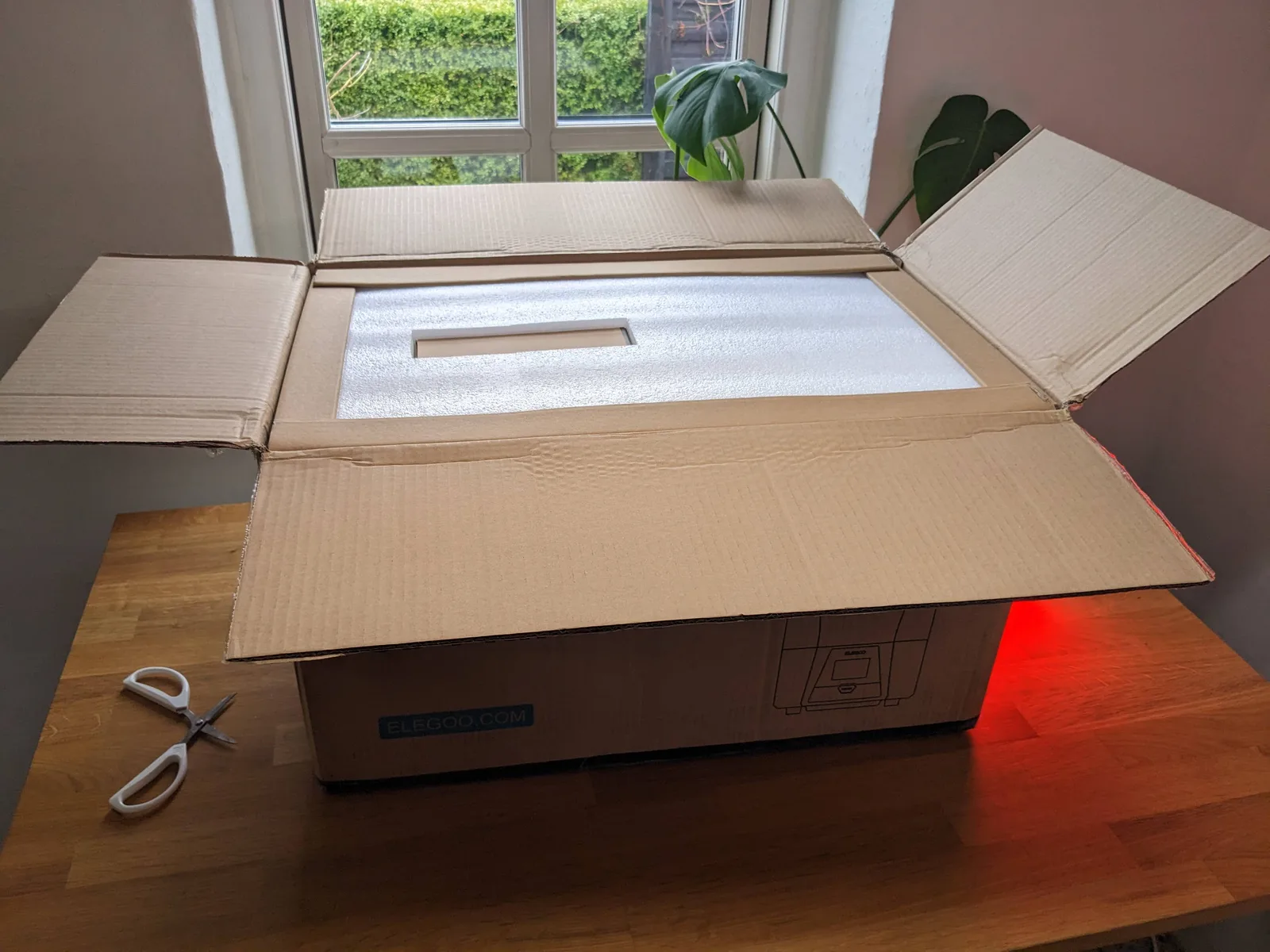
If you kept the original box, store the printer in it with the original foam. The foam was designed to protect the printer during shipping, which means it also protects it during storage. If the original box is gone, a cardboard box sized to fit the printer with the lid already on it is a reasonable substitute.
The most important thing is consistency. A printer stored at a steady cool temperature does much better than one that cycles through wide temperature swings, even if the average temperature is fine.
Coming back from storage
The return from a break is where the work of good storage pays off. A printer that was cleaned, covered, and stored correctly will come back to service without drama. Work through these steps in order.
Re-level the build plate. Long periods of storage with small temperature cycles can shift the bed slightly. Levelling takes a few minutes and removes any doubt. The full levelling procedure is in Unboxing and Levelling a New Resin Printer.
Inspect the FEP. Even a well-stored printer may have a FEP that is at the end of its useful life. Look at it carefully in good light before adding any resin. If it looks worn, replace it now rather than after a failed print.
Run a screen exposure test. Use the exposure test function in the printer’s settings menu to check that the LCD is illuminating evenly across the full surface. This takes under a minute and catches any screen degradation that occurred during storage. The signs to look for are covered in detail in When to Replace the LCD Screen on a Resin Printer.
Pour fresh or filtered resin into the VAT. If the stored resin has been sitting in its bottle for several months, shake it thoroughly and check it looks normal before using it. Resin that has separated badly or changed colour significantly may not recover.
Run a RERF or Cones of Calibration. A resin printer that has been through storage is, in practice, a slightly different machine than it was before. The screen may have aged slightly. The resin batch properties may have drifted. Running a RERF or exposure calibration test before committing to a long print re-establishes the correct exposure settings for current conditions and catches any changes before they cost you a print.
Each step in this checklist gates the next. There is no point running a RERF on a mislevelled plate, and there is no point pouring resin over an FEP that needs replacing.
The summary
A resin printer survives storage well if it is prepared correctly. The three failure modes to avoid are: resin sitting in the VAT, ambient light reaching the screen, and contaminated resin being used at the return. All three are preventable with ten minutes of work before walking away.
The full picture of resin printer maintenance, including what to check before every print session and how to extend the life of your consumables, is in Resin 3D Printing for Miniatures.

