Some links on this page are affiliate links — marked with aff — and if you buy through them I may earn a small commission at no extra cost to you. Read the full disclosure.
Picking the right resin 3D printer can feel overwhelming. There are too many models, the spec sheets read like another language, and if it is your first printer you probably do not understand half of what reviewers are arguing about. So you do what most people do, which is search for “best resin printer for miniatures”, read three lists from three sources that recommend different machines, and end up more confused than when you started.
Two hard truths up front. The differences between modern resin printers are smaller than the marketing wants you to believe. And the best printer for someone else is almost never the best printer for you, because their use case, their space, their budget, and their tolerance for fiddling are different.
This article is not a list of best printers. It is the framework I use to filter the market down to two or three sensible options for any specific use case, and then to pick between them. The goal is to leave you able to make the call yourself rather than relying on a recommendation that will be out of date in six months.
Quality of print is no longer where the difference is
The number one reason most people buy a resin printer instead of an FDM printer is print quality. So it is reasonable to start there.
Several things contribute to print quality. The Z axis precision is handled by the motor and build plate, and on every printer in the consumer market this is accurate enough that it is not the bottleneck. The resin itself matters, but the gap between a good resin and a great resin is much smaller than the gap between using the wrong settings and the right ones, and either way the printer is not the part that changes. The light source matters, but it is genuinely hard to measure between printers and you will not see meaningful comparisons in any review.
What you can compare is the screen. The pattern the screen produces is what defines the smallest detail the printer can resolve.
The trap most beginners fall into is assuming that pixel count equals quality. A printer with a screen that has more pixels is not necessarily more precise, because pixel count means nothing without screen size. A small printer with a 100 pixel wide screen and a larger printer with a 200 pixel wide screen on a screen twice the size will print at exactly the same precision. The thing that matters is pixel size, also called XY resolution, measured in microns.
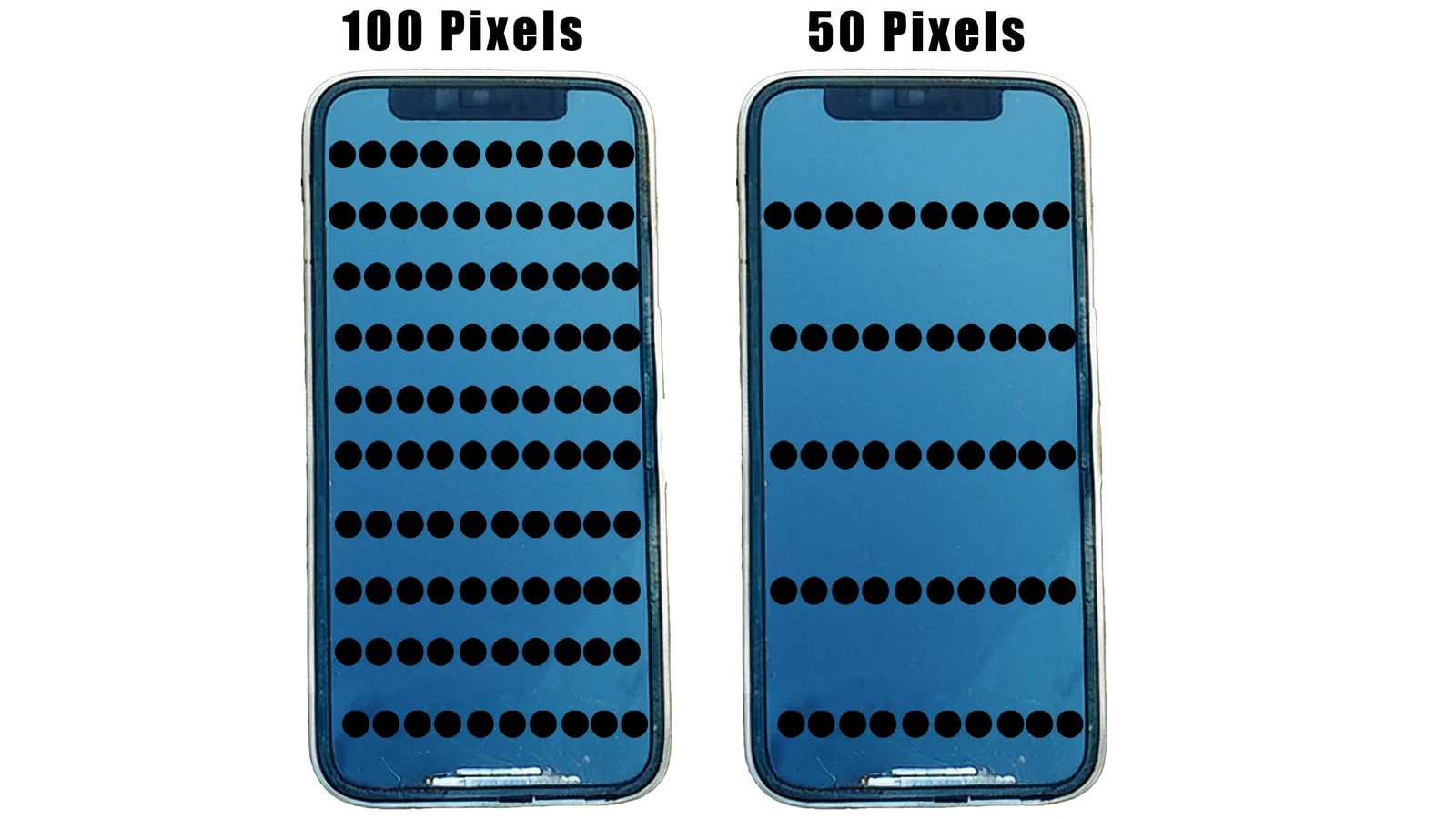
For a few generations now, manufacturers have been pushing pixel size down. Small printers are routinely at 18 to 22 microns. Mid sized printers have settled around 28 to 32 microns. The sweet spot for miniatures sits around 30 microns of XY resolution printed at 30 microns of layer height, and almost every modern printer in the small to mid bracket meets that.
What this means in practice is that the marketing terms 8K, 12K, 16K, and whatever comes next this year are mostly noise. In a blind test you would have very little chance of identifying which model came off which printer, as long as both are modern and properly calibrated.
So if quality is not the lever, what is?
Price and timing matter more than the spec sheet
Price is one of the few things reviewers cannot help you with. By the time a printer is reviewed it is usually still in the preorder stage, and that is the point at which the price is at its highest. In my experience, within twelve months the price has usually settled meaningfully below the launch figure, and the next generation is on the horizon. The price you actually pay depends entirely on when you buy, where you buy from, and which sale happens to coincide with you being ready.
The way I deal with this is to keep a running printer database with the prices I actually see in the market, tracked over time. That makes it possible to recognise when a sale is genuinely good and when the headline discount is just bringing the price back to its normal level. The same logic applies whether you are buying directly, through Amazon, or second hand, where the 2023 generation now sells for genuinely silly money.
The actionable workflow is this. Decide your budget bracket. Filter the database for printers in that bracket that fit your use case. Watch the prices for a few weeks. Buy when one of your shortlist drops to the bottom of its price band, not when a new model launches at full price.
Size is the one specification you can genuinely regret
Most spec mistakes are reversible. You can change resin, you can swap a build plate, you can update firmware. Size is the one you cannot change. If you buy too small, you will hit the limit and want a bigger printer.
I am not talking about the footprint on your bench, though that matters too. I mean the build volume, the area inside the printer where models actually fit. That is determined by how big the screen is.
Consumer resin printers fall into three rough categories.
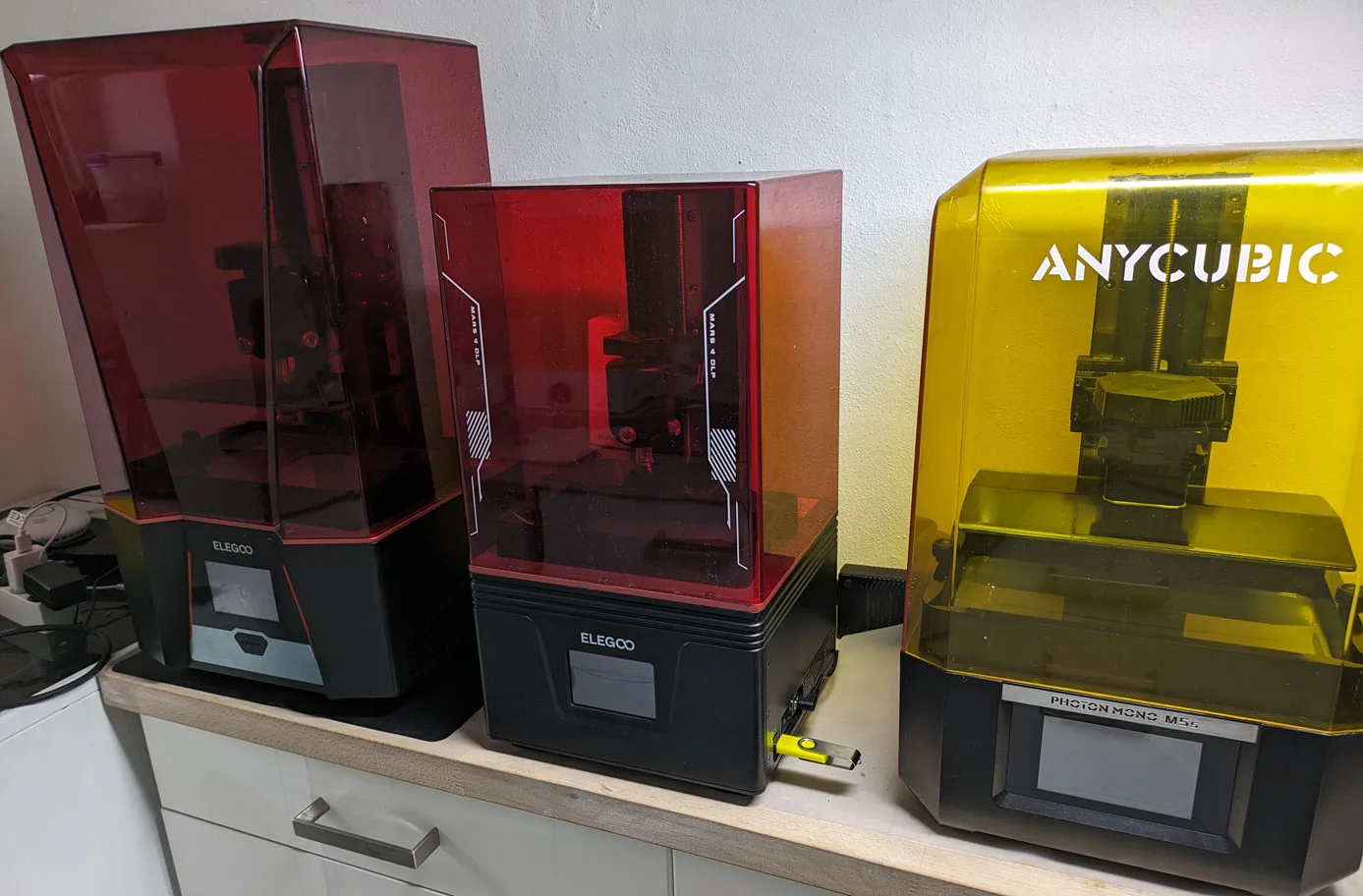
Small printers are 6 to 7 inch screens, usually $150 to $300. The Mars line, the Photon Mono, the Phrozen Sonic Mini. The Z axis on these is fine, but the X and Y constraints mean that anything over about 150mm in any direction will not fit in one piece. Multi part printing is fiddly, dimensional accuracy on resin is not great so glue joints rarely line up perfectly, and you will eventually want a larger printer for vehicles, terrain, and bigger display pieces.
Mid sized printers are 9 to 10 inch screens, $200 to $1000 plus. Saturn, Photon Mono Xaff, the M3 to M7 family, Sonic Mighty, UniFormation, HeyGears Reflexaff. Build plates fit a sensible plate of 28mm or 32mm models, large characters, and most terrain pieces. This is the sensible long term home for most miniature hobbyists, and it is also where most of the recent ease of use features have shown up first.
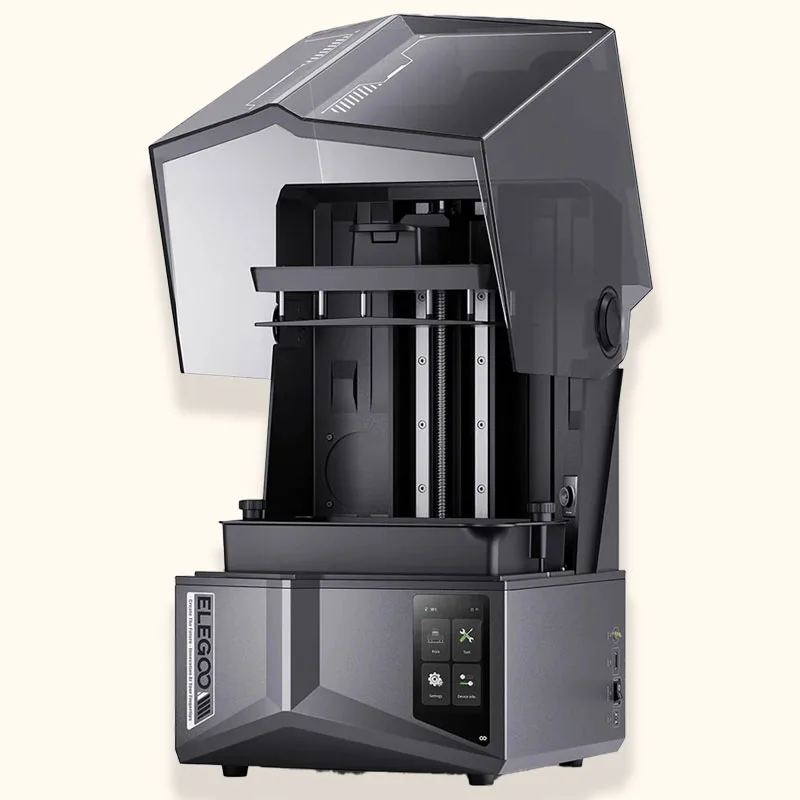
Large printers are 12 inch screens or bigger, usually $700 plus. Jupiter, Photon Max, Sonic Mega. Vehicle hulls, large display pieces, full plates of bigger figures. Overkill for someone printing 32mm rank and file, essential if your hobby is at a different scale.
If you are just starting and you are unsure, the answer is usually small. A small printer is cheap enough that it is not a bad outcome if you outgrow it, and it leaves you with a useful test print machine when you do upgrade. If you have the space and the budget and you are confident you want to print bigger figures or units, mid sized is fine for a beginner now in a way it was not a few years ago.
Heated VAT is the next thing to look for
If your printing space gets below 22 degrees celsius, or the temperature swings overnight while a long print is running, a printer with a heated VAT built in is a real upgrade. Even if your room temperature is fine, having the resin held at a high stable temperature reduces variability in exposure, gives you slightly better detail, and removes one of the most common fail modes for beginners.
External heating solutions, brew belts, side heaters, that sort of thing, are mostly janky. They heat unevenly, they stress mechanical parts as the rails expand and contract, and in some cases they make print quality worse. The Elegoo external heater was a notorious example.
Heated VATs were exotic three years ago. They are now standard on most mid range and flagship printers, and the question for new buyers should not be “do I need a heated VAT” but “is there a reason I would buy a printer without one”.
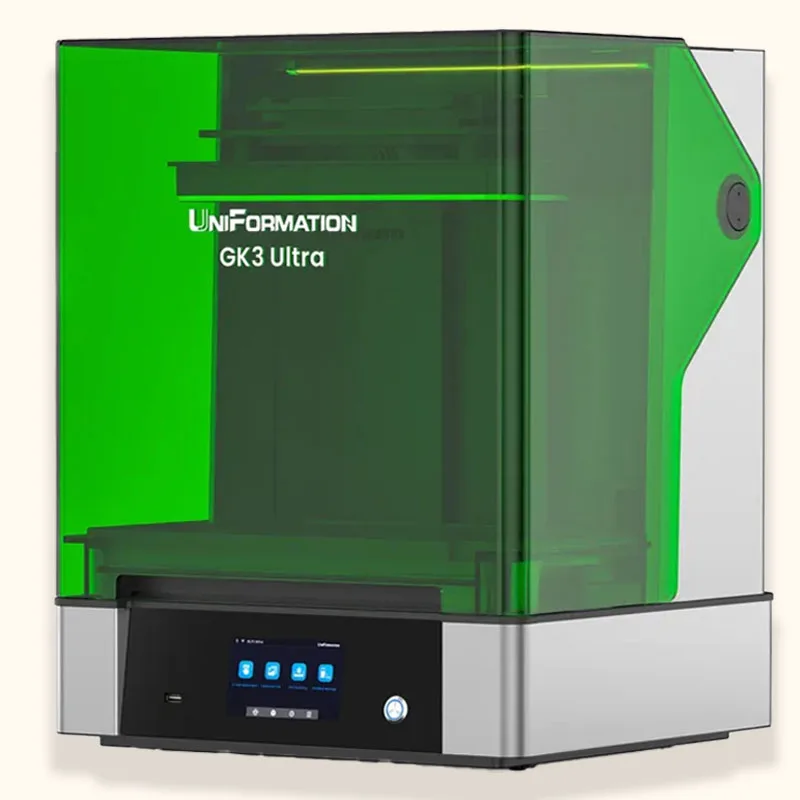
Filter your shortlist for heated VAT models early in the process. The full conversation about temperature and resin is in the common mistakes article.
Features worth paying a small premium for
Beyond size and heated VAT, there are a handful of features that are not deal breakers but that quietly improve daily life with the printer.
Tempered glass over the screen. A built in reusable screen protector. If a leak happens, and at some point a leak will happen, you heat the glass gently and scrape the cured resin off. Cheaper printers ship without this and rely on a stick on plastic protector that everyone forgets to install on day one and regrets when they brick a screen.
Anti aliasing support. This is not a hardware feature, it is a question of which file format the printer accepts and whether the slicer supports anti aliasing for that format. Some printers have shipped with file format support that quietly broke anti aliasing, leaving large flat surfaces noticeably stepped. The Mars 4 non Ultra with the GOO format was the most public example. Confirm the slicer and file format combination supports anti aliasing properly before buying.
Build plate design. Look for a strong latch or a positive knob attachment. Look for four levelling screws rather than two, because two screw plates are fiddly to keep level on larger build plates. Look at how resin drains off the plate after a print, because some plates trap resin in the middle and turn cleanup into a chore. The Saturn 4 Ultra plate is a current example of a plate that needs care.
I am deliberately not listing auto levelling here. Auto levelling on consumer resin printers is not yet reliable enough that I would pay extra for it, and on some printers it is actually a drawback because it removes the manual override when it goes wrong.
Features I notice but do not weight heavily
A few things are genuinely useful but rarely worth changing your shortlist over.
Linear rails. Dual is better than single, ball bearing is better than slide. Mostly matters for big chunky prints where the build plate carries real weight.
FEP type. PFA, also marketed as nFEP, FEP 2.0, Pictor release film, and various other names, is preferable to plain FEP. ACF is fine but not great. You will replace whatever shipped with the printer at some point anyway.
Cover design. Flip open is the most common, easiest to use, but needs somewhere to put the lid while you work. Lift off covers work fine if you have somewhere to set them down. If sunlight reaches your printing area the UV blocking quality of the cover matters. Most modern covers block enough UV. The blue Anycubic cover used to be a notable exception.
RERF support. Being able to print test shapes at multiple exposures in one go is genuinely useful if you change resin often. If you settle on one resin and stick with it, you will use the RERF exposure test guide once and never again.
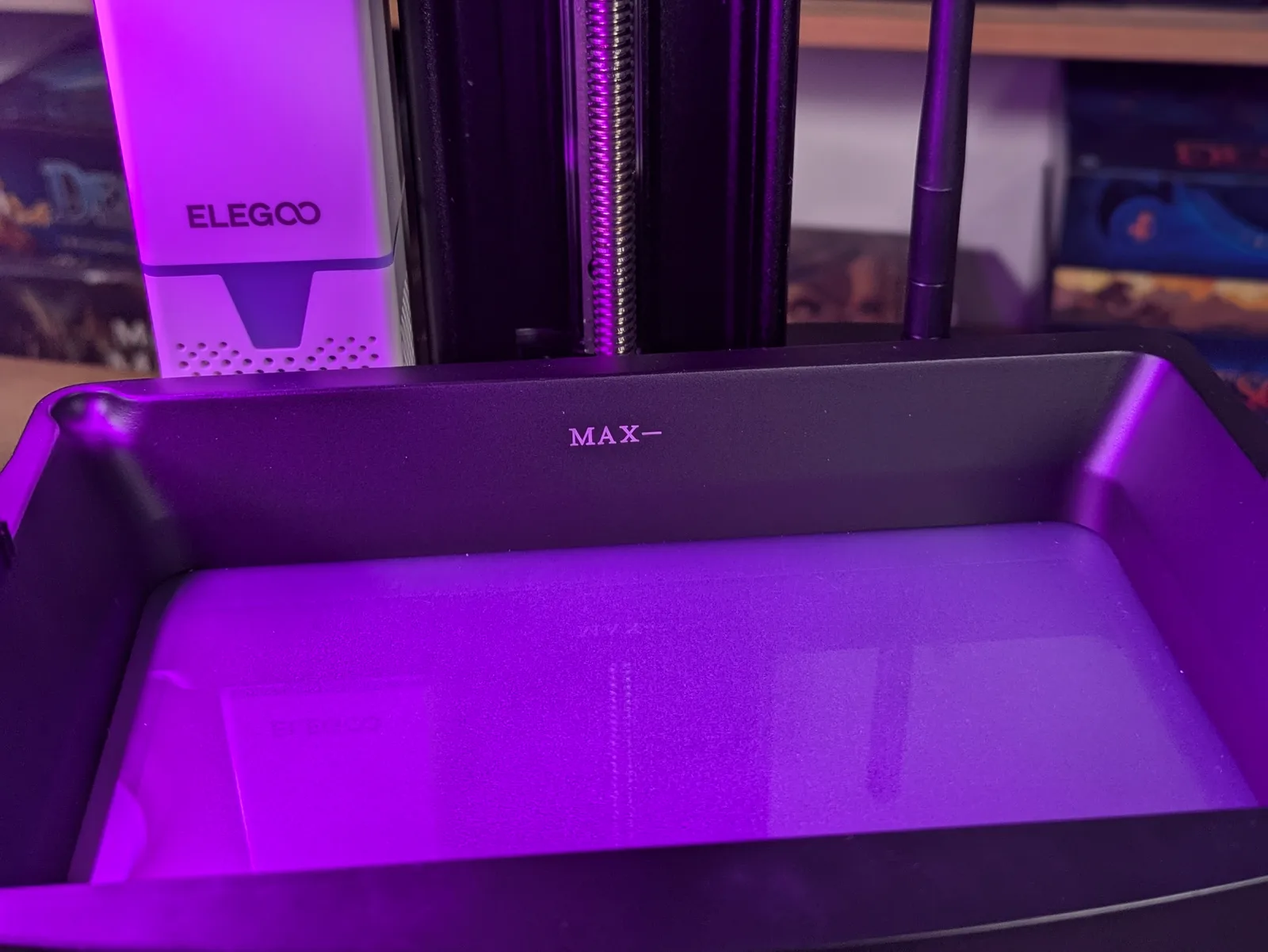
Tank fill indicator. A small line on the VAT showing the current resin level. Sounds trivial, saves you from topping up after the print has started.
Spare parts availability. If you buy an older generation printer, can you still get a replacement screen in the next two years? On some discontinued models the answer is now no, which turns a routine maintenance event into a paperweight.
Customer support. Mostly all in the “okay” range. Elegoo is slightly better than average in my experience. Your mileage will vary.
Things I would not pay extra for
This is the section where I diverge from a lot of the marketing.
Wifi. The cloud workflows are usually janky, the security on consumer printer apps is questionable, and most of the time you need to physically check the printer and stir the VAT before you start anyway, so the gain of remote starting a print is small. A LAN connection or direct USB load is more reliable. Wifi is most often a trap.
Air filters. They do a small amount for smell. The activated carbon needs replacing fairly often or it stops doing anything. They are not a substitute for actual ventilation. The proper answer is in the clean beginner setup article.
Camera. Time lapse footage is fun. Practical use during a print is limited because the cover blocks the light most of the time, and unless the print is very large you will rarely catch a fail before it has happened. Bonus feature, not a buying reason.
Resin pumps. Unless you are paying a real premium, the cheap pumps are unreliable and add maintenance. The rare expensive pumps that actually work are not on most consumer machines.
Speed features. Two patterns dominate the speed marketing. Either ACF film with low viscosity brittle resin and very high layer height, which compromises quality. Or tilting VATs, which work but cost a real premium. Most miniatures print fast enough already because resin cures a whole layer in seconds regardless of how much is on it. Think hard about whether speed actually solves a problem you have, or whether you just like the sound of it.
Smart sensors and AI. Detecting debris in the VAT, automatic exposure tuning, all the AI feature flags. The implementations so far have been mediocre. When they work they are nice. When they do not work, you are stuck because you depended on them. Bonus features, not buying reasons.
Three worked examples
Putting all of the above together, here is how the framework plays out for three typical use cases.
True beginner with a small space and a small budget. Filter by price. The Mars 4 Ultraaff and the Photon Mono 4 are the obvious starting points. If space is less of a constraint, the Saturn 3aff is a lot of printer for a small amount of money. Skip the heated VAT requirement if your room is consistently warm. Skip every other feature on the list.
Printing in a space with temperature problems. Filter by heated VAT first. Decide whether the closed ecosystem of HeyGears is acceptable. In the more affordable bracket, the Saturn 4 Ultraaff and the Photon M7 Proaff fight it out. Pick whichever is on better sale at the time you buy.
Money is not the constraint, you want the best. Honestly there is no single answer because best depends on what you optimise for. Highest XY resolution, biggest build volume, best feature set, most reliable for years of unattended use. The HeyGears Reflex is the current “flagship” answer for many people, but the cloud lock in and the resin ecosystem lock in are deal breakers for others. Define what best means for your use case before chasing the badge.
The framework above generalises. Define your use case, filter to two or three printers, watch for a real sale, buy. The full per category recommendations live in the best resin 3D printer for miniatures buying guide.
This whole article is, in a slightly grumpy way, an argument against the format of “best printer” lists. The internet is full of them, they all disagree, and they all age badly because the market moves so quickly. What does not age is knowing what to look for and what to ignore. With that, you can make the call yourself, and you can make it again in two years when the next generation arrives.
Frequently asked questions
- What is the single most important spec on a resin printer?
- XY resolution, expressed in microns. It is the physical pixel size of the LCD screen and it sets the floor for fine detail. Below 18 microns is diminishing returns for miniature work; 18 to 24 microns is the sweet spot; above 35 microns is visibly soft. Every other spec on the box matters less than this one.
- Does build volume actually matter for miniature printing?
- Less than most beginners assume. A small Mars-class plate (153 by 77 mm) holds roughly 6 to 8 28 mm infantry models batch-printed. A Saturn-class plate (219 by 123 mm) holds roughly 12 to 16. Bigger plates mean longer exposure per layer and harder levelling, so larger is not automatically better. Match the plate to your printing pattern: single heroes wants small, batch wargaming wants medium, dragons wants large.
- What is a tilting VAT and why does it matter?
- A tilting VAT releases each printed layer by tilting one edge of the resin tank rather than peeling the build plate straight up. The lower peel force shortens the lift cycle, which means the printer prints faster without the resin or layer-thickness compromises Anycubic chased on the Photon Mono M5S. On a Mars 5 Ultra or Saturn 4 Ultra, tilting VAT gives you a real speed gain at the same print quality.
- Is anti aliasing worth paying for?
- Yes for character miniatures, no for batch infantry. Anti aliasing softens the visible stair-stepping on curved surfaces, which matters most on faces, capes, and smooth armour. The difference is small on rank-and-file infantry where the cape edge is hidden by paint anyway. A printer that supports anti aliasing in the .cbt file format (Mars 4 Ultra and up) is worth the small price bump for character-focused work.
- How important is auto levelling?
- Reassuring for beginners, not transformative for experienced users. Auto levelling does not always level perfectly the first time and most owners still re-level manually after a few prints. The real value is that auto levelling gives a sensible starting point, which shortens the first-week learning curve. Do not pay a $100 premium for it alone; do consider it as a tiebreaker between two otherwise similar machines.
- Should I buy a budget printer or save for a premium one?
- Budget. A Mars 4 at $149 prints miniatures that hold up against printers costing four times as much, because pixel size is the spec that matters and 18 microns is at the sweet spot. The premium tier (Phrozen Sonic Mighty 16K, HeyGears Reflex) earns its price for daily users and commercial work, not for hobbyists printing once a week. Spend the saved money on resin and a better wash and cure station.
- How often do LCD screens fail on a resin printer?
- Mono LCDs are rated for around 2 000 hours of cure time, which works out to roughly a year of heavy use, two years of moderate use, or three or more for a hobbyist running a few prints a week. Replacement screens cost $30 to $100+ depending on the printer and are straightforward to swap. Treat the LCD as a consumable from day one rather than a permanent component.